Download
 Facebook
 Twitter
 Google+
Search OS X Terminal commands using Alfred 2
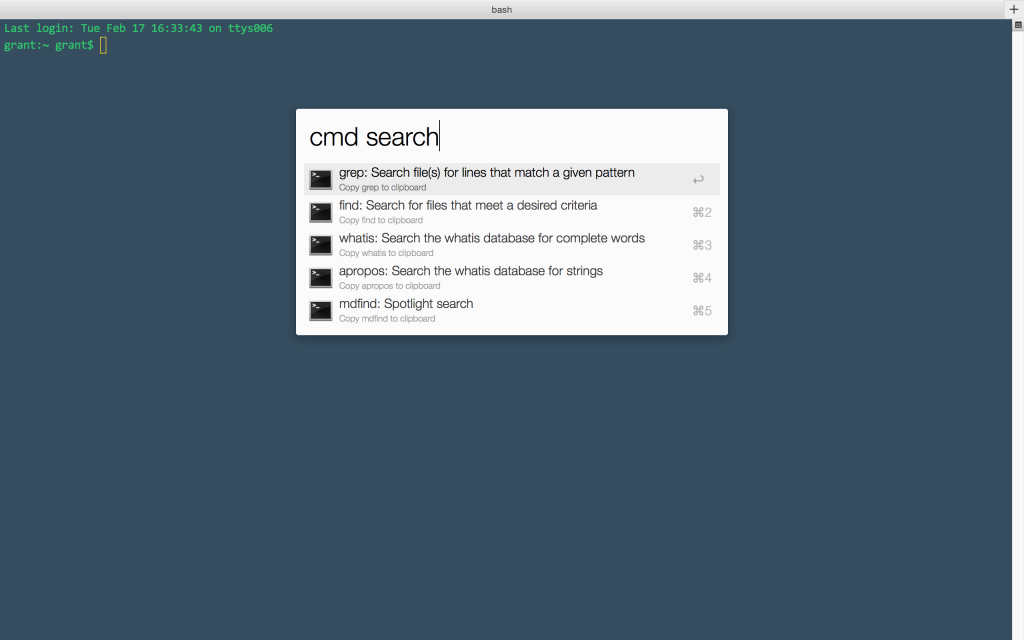
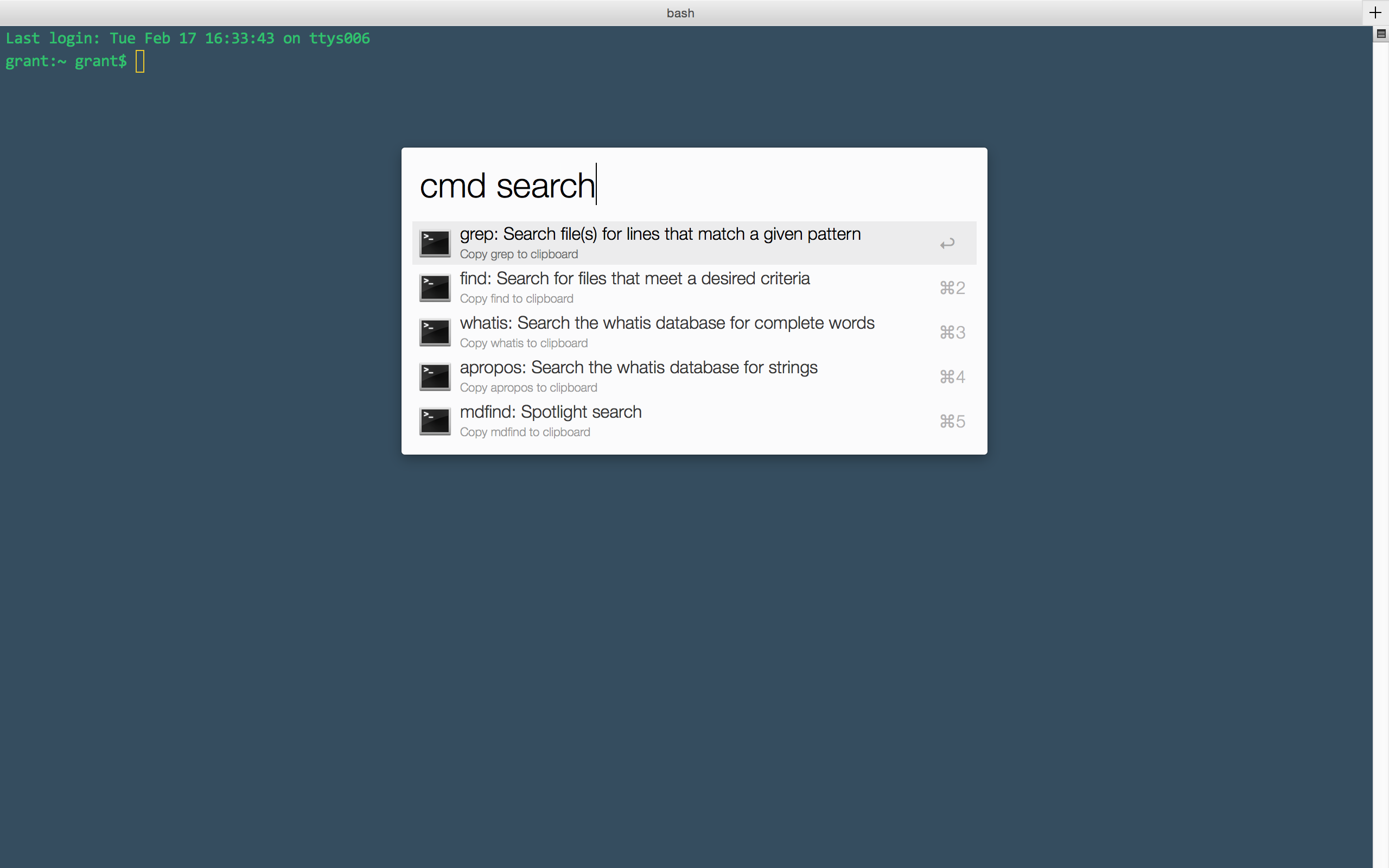
Use this workflow to search OS X Terminal commands by keyword and paste the command into Terminal.
Usage
Type cmd [keyword] (or set
your own shortcut) to search available
terminal commands. Press
ENTER to copy the command to
the clipboard and paste it in the
front-most app (e.g. Terminal).
Install
Clone this repo and double-click the
alfred-terminal-commands.workflow
file or download
just the workflow file.
Screenshots
To do
-
Add a "related words" file to expose more keywords than just the command or its description
-
Display the
--helpdocs for selected command -
Display the
mandocs for selected command -
Generate personalized index for user/system using
compgen -ca
Thanks to
alfred-emoji-workflow: Alfred workflow template
SS64: List of OS X Terminal commands and descriptions