 Download
 Facebook
 Twitter
 Google+
Toggle Today and Notification Center Views Workflow for Alfred
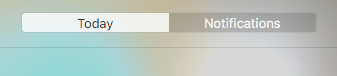
Keyboard shortcuts for switching between Today and Notifications Views.
Installation

- Download the latest version
-
Install the workflow by double-clicking
the
.alfredworkflowfile - You can add the workflow to a category, then click "Import" to finish importing. You'll now see the workflow listed in the left sidebar of your Workflows preferences pane.
By default the keyboard shorcut is set
to ⌘ + ⌥ + →.
Further Configuration

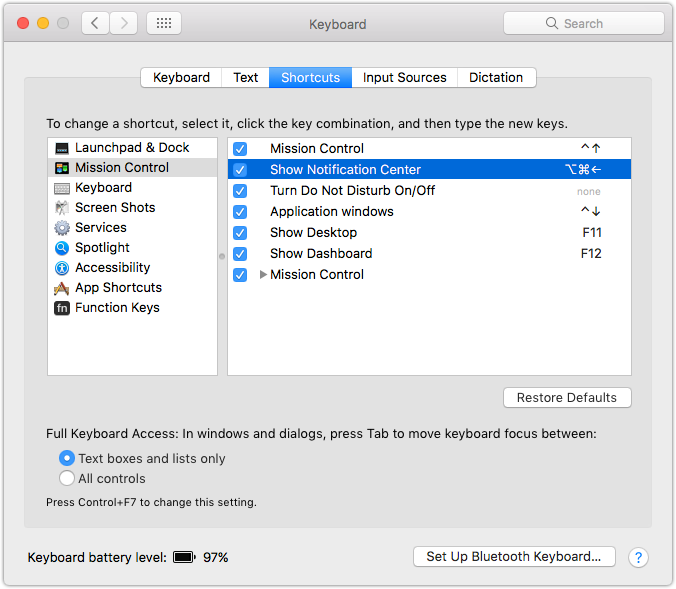
Setup "Show Notification Center" Shortcut
-
Jump into
System Preferences»Keyboard -
Set the
Show Notification Centerkeyboard shortcut to:⌘ + ⌥ + ←