


 Download
 Facebook
 Twitter
 Google+
Text Tokenizer Workflow for Alfred app
Workflow for tokenizing different text
value input, and converting them back to a
string with multiple syntaxes. It was
basically thought as a text exapander to
convert space separated works into quoted
comma separated values, to use in
different languages, mostly because of
envy of Ruby's array notation
%w().
Usage
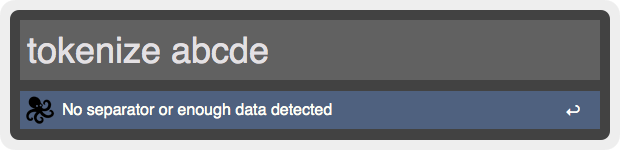
Type the keyword tokenizer, followed by a space and then a list of space, comma, semicolon, tab or newline separated values. You can also paste from the clipboard here, which is the only way of inserting tabs or newlines. As long as the input string is not tokenizable, you'll see:
When the input string is tokenizable you'll be prompted with different output options for your data:
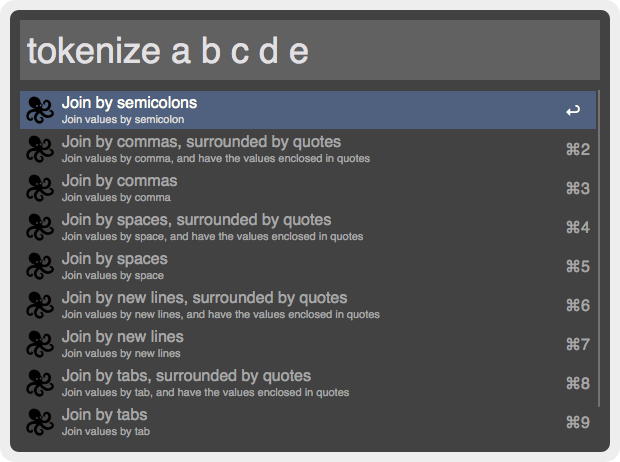
Select any output format and the generated text will be copied to the clipboard and pasted in the front most app.
Installation
For OS X 10.9 Mavericks, Download the alfred-text-tokenizer.alfredworkflow and import to Alfred 2.
For Previous OS X Versions, Download the alfred-text-tokenizer.alfredworkflow and import to Alfred 2.
Changelog
- 2014-01-29 - Released