Download
 Facebook
 Twitter
 Google+
 Alfred Network Workflow

Alfred workflow that can show and change your network settings: Wi-Fi, Ethernet, VPN, DNS, etc.
This is a collection of the functionalities of already existing network-oriented workflows that I found half-baked or stalled. Improved on performance, usability and details.
Usage
-
Type
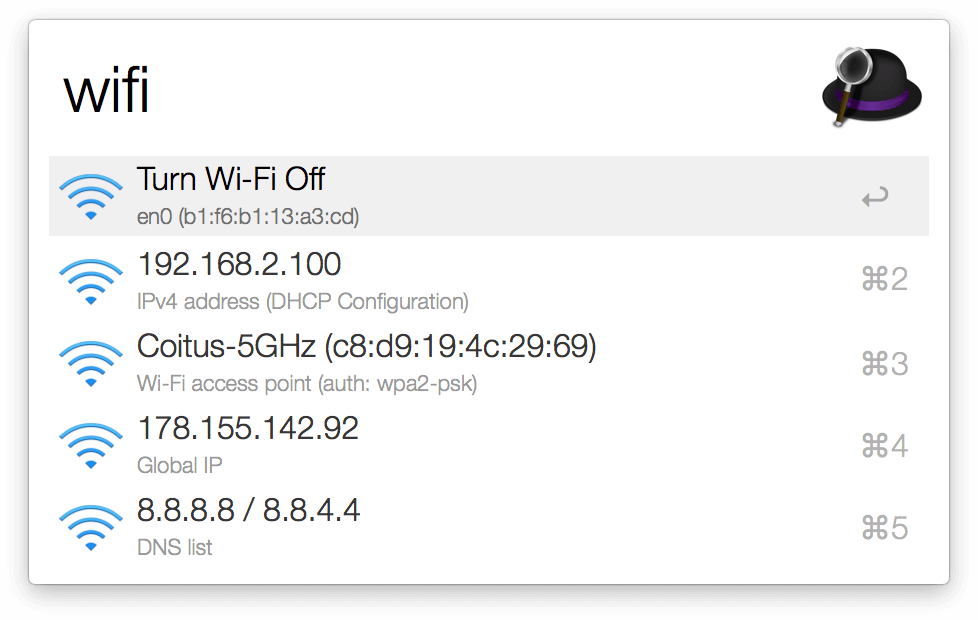
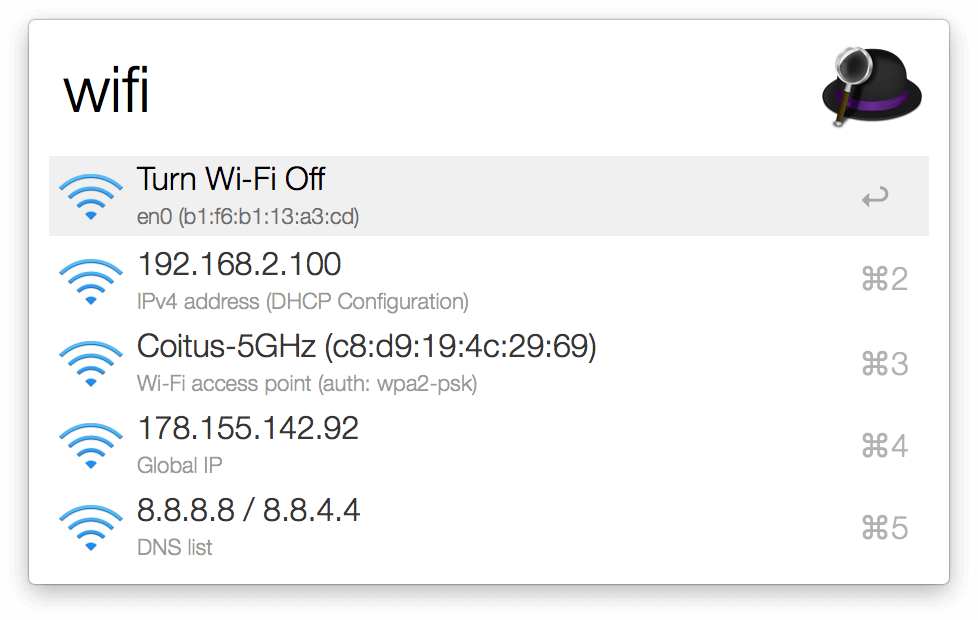
wifito show Wi-Fi info and enable/disable. -
Type
ethto show ethernet info (if connected). -
Type
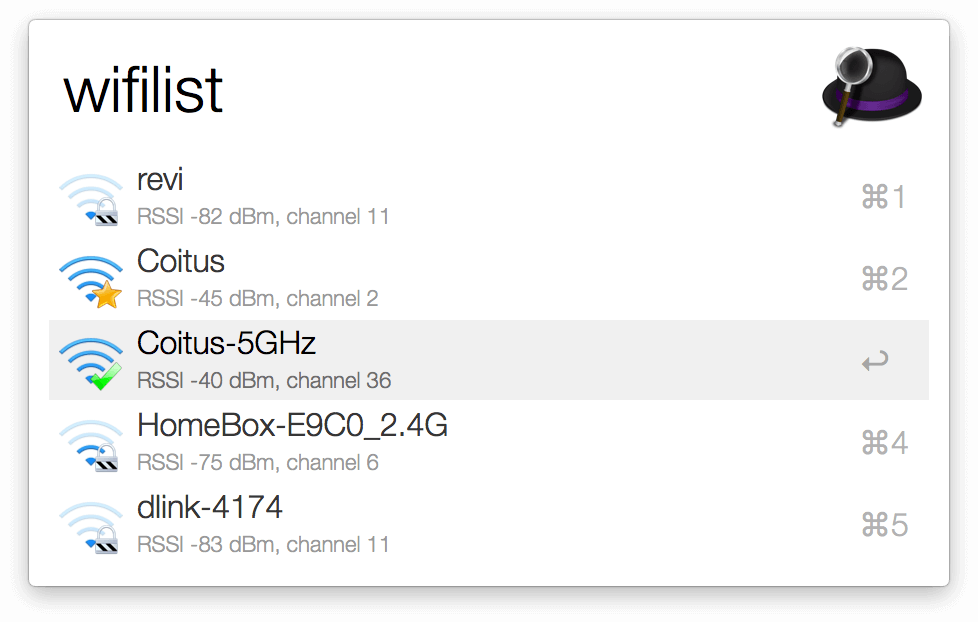
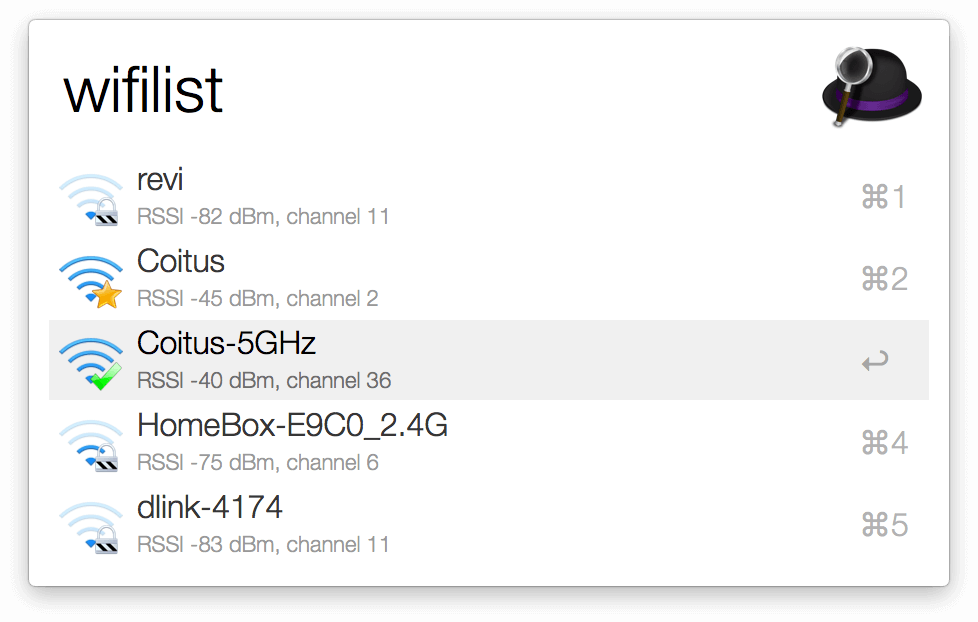
wifilistto scan for Wi-Fi hotspots. -
Type
vpnto list configured VPNs and connect. -
Type
dnsto list and change DNS settings.
Requires Alfred 3 and Powerpack for installing this extension. Might behave differently on macOS versions older than 10.7 Lion. This workflow is primarily implemented in Bash with a little help from AppleScript.
Tests
bats
is used for automatic testing of Bash
functionality. Install with
brew install bats using
brew.
Run tests: bats tests
To Do
- [x] Basic functionality
- [x] Unit tests
- [x] Mark saved networks with a star
- [x] Adjust Wi-Fi icon according to strength
- [x] Ethernet support
- [x] VPN list
- [x] Travis CI build
-
[x] DNS switcher using
networksetup -setdnsservers - [ ] Connect WiFi AP using AppleScript
- [ ] Sort APs (improve!)
- [ ] Filter APs on-the-fly, but only scan once
- [ ] Use optional parameters for unit tests
- [ ] Bluetooth list
Credits
Contributions, bug reports and feature requests are very welcome.
- Martin