Download
 Facebook
 Twitter
 Google+
Div — simple Alfred windows manager
This is simple Alfred workflow to help you manage opened windows. It is simple (50 lines of applescript) but powerful tool. It allows you to create your own layouts, custom sizes and custom proportion.
Requirements
Some of the mac OS apps are non-scriptable which means they are not working very well with applescript. Fortunately "SystemEvents" can handle them really well. Few simple steps are required to enable Alfred's access to Acessibility tools.
- Open System Preferences
- Go to Security & Privacy
- Go to last Privacy tab
- On the left panel choose Accessibility
- Unlock access to preferences by clicking lock in bottom left corner and pass your password
-
Click small
+icon and add Alfred from the list. - Done :)
Other windows managers requires similar procedure. It is not related with Div only. If you use older operating system than El Capitan, have a look at great instruction on Mizage website.
How to use
I published a detailed instruction on my personal website. Have a look if you are keen to understand a full potential of Div.
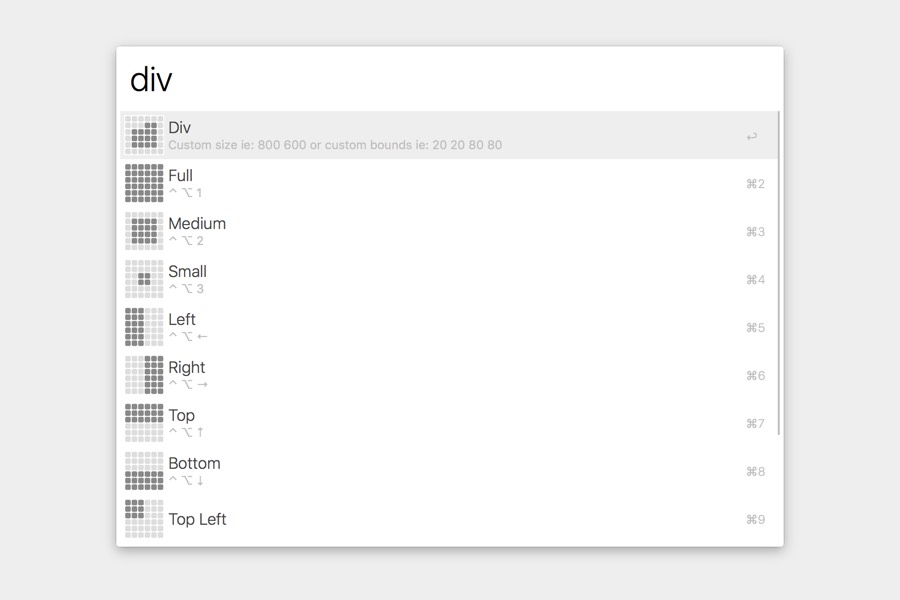
Choose predefined layout
Simply type div in Alfred
window and choose layout from predefined
list.
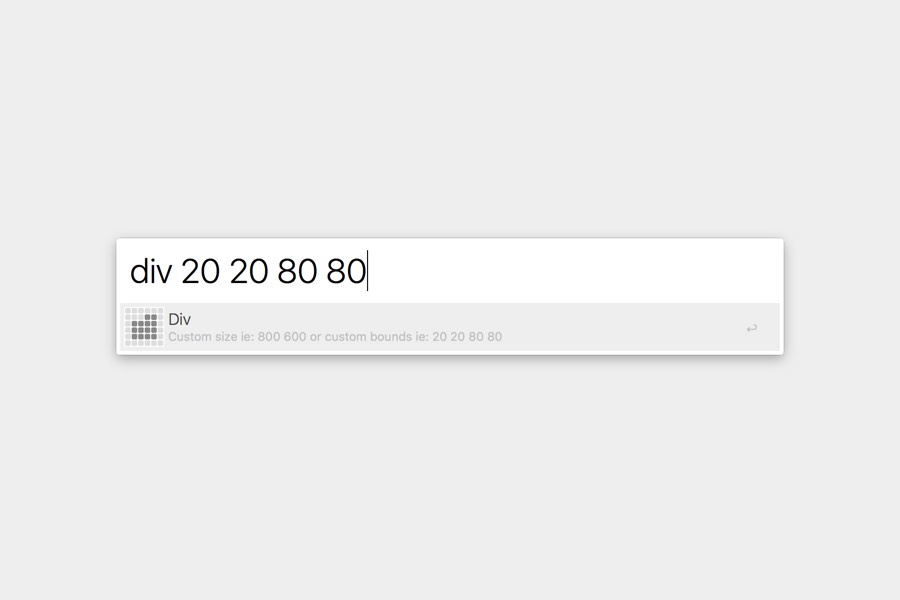
Custom bounds
Choose custom bounds by passing 4 (space
separated) values. For example
div 20 20 80 80 will place
top left corner of an app 20% from top and
20% from left edge of a screen, and bottom
right corner 80% from top and 80% from
left edge of a screen.
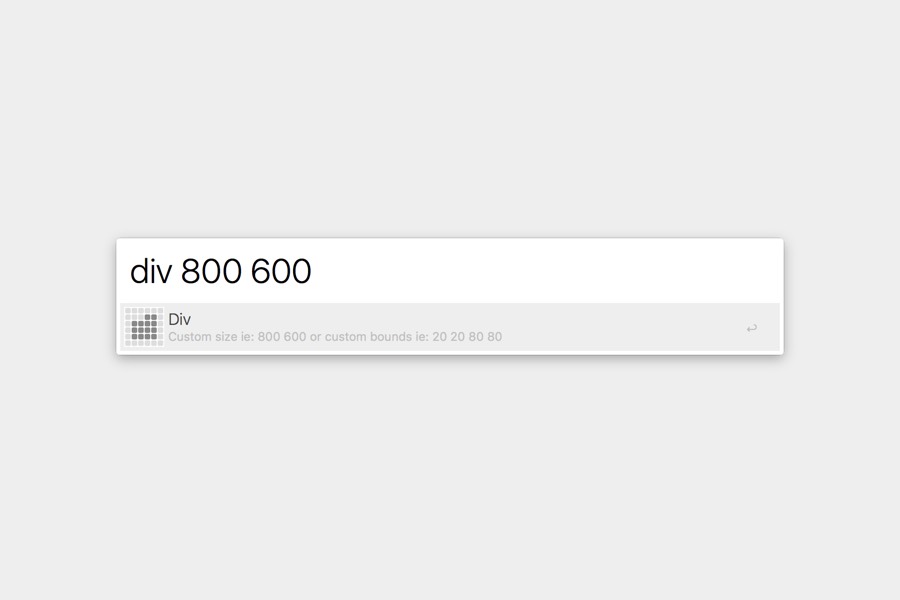
Custom size
Choose custom size by passing 2 (space
separated) values. For example
div 800 600 will resize your
window to 800px width and 600px height and
place the window on the middle of a
screen.
Hotkeys
Use predefined settings and bind custom hotkeys to them to place window in common locations:
⌃ ⌥ 1Full⌃ ⌥ 2Medium⌃ ⌥ 3Small⌃ ⌥ ←Left⌃ ⌥ →Right⌃ ⌥ ↑Top⌃ ⌥ ↓Bottom